
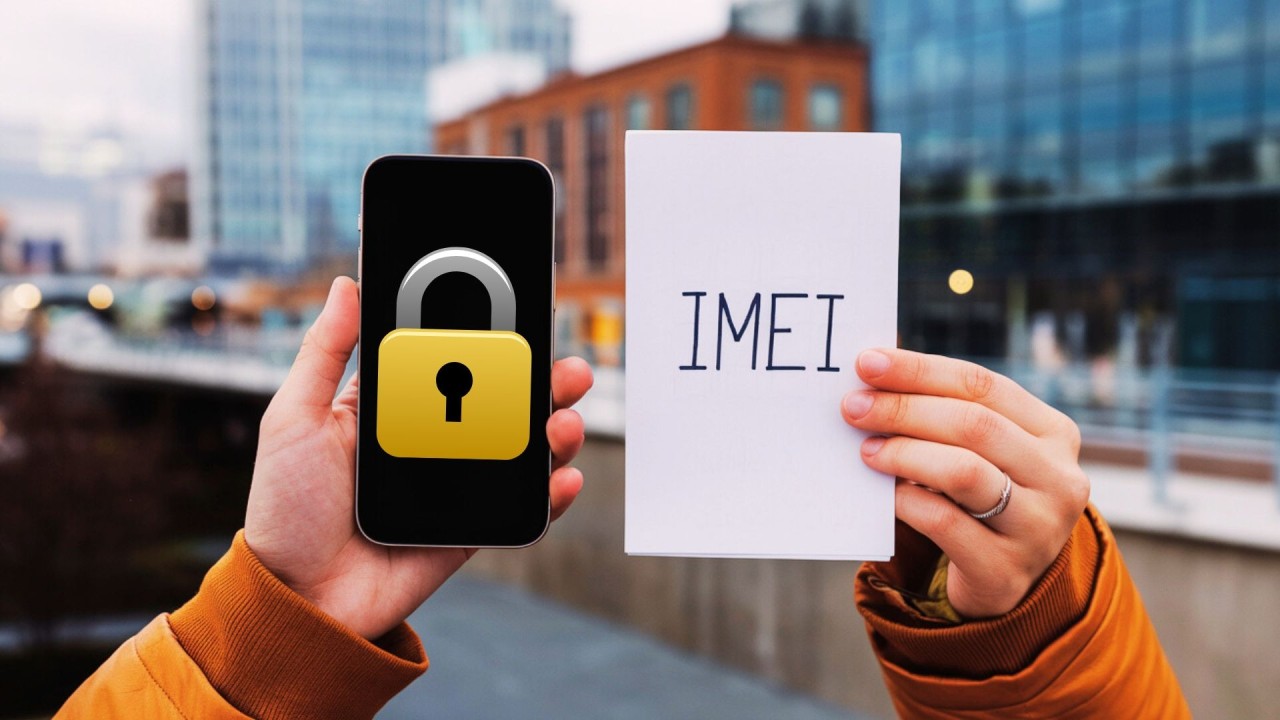
After buying a second-hand phone which I later found was stolen, I understand I should have checked the IMEI first. This simple step could have saved me from losing both my money and the phone.
When you're in the market for a used smartphone, there's one critical step that should never be skipped: checking the IMEI number. This unique 15-digit identifier serves as your phone's digital fingerprint and can reveal crucial information about its history.
What is an IMEI Number?
IMEI stands for International Mobile Equipment Identity. Every mobile phone has a unique IMEI number, which is used by networks to identify valid devices. When a phone is reported stolen, its IMEI can be blacklisted, preventing it from connecting to networks.
Why Checking IMEI is Essential
There are several compelling reasons to verify a phone's IMEI before purchase:
- Avoid Stolen Devices: A blacklisted IMEI indicates the phone was reported stolen. Such devices may work initially but could be blocked from network access at any time.
- Verify Authenticity: Counterfeit phones often have invalid or duplicated IMEI numbers. A proper check can confirm you're buying a genuine device.
- Check Warranty Status: The IMEI can reveal if the phone is still under warranty, which adds value to your purchase.
- Confirm Specifications: An IMEI check can verify the phone's model, storage capacity, and other specifications match what the seller claims.
How to Check an IMEI
Checking an IMEI is simple. You can dial *#06# on the phone to display its IMEI, or find it printed on the device's box or under the battery (if removable). Once you have the number, use our IMEI checking tool to get a comprehensive report on the device's status.
Red Flags to Watch For
Be wary if a seller is reluctant to provide the IMEI before purchase or if the IMEI appears to have been tampered with on the device. These are strong indicators that something may be wrong with the phone.
Conclusion
Taking a few minutes to check a phone's IMEI before purchasing can save you from significant headaches and financial loss. It's a simple precaution that provides peace of mind and ensures you're making a safe, informed purchase decision.